Is CHITRA really free?
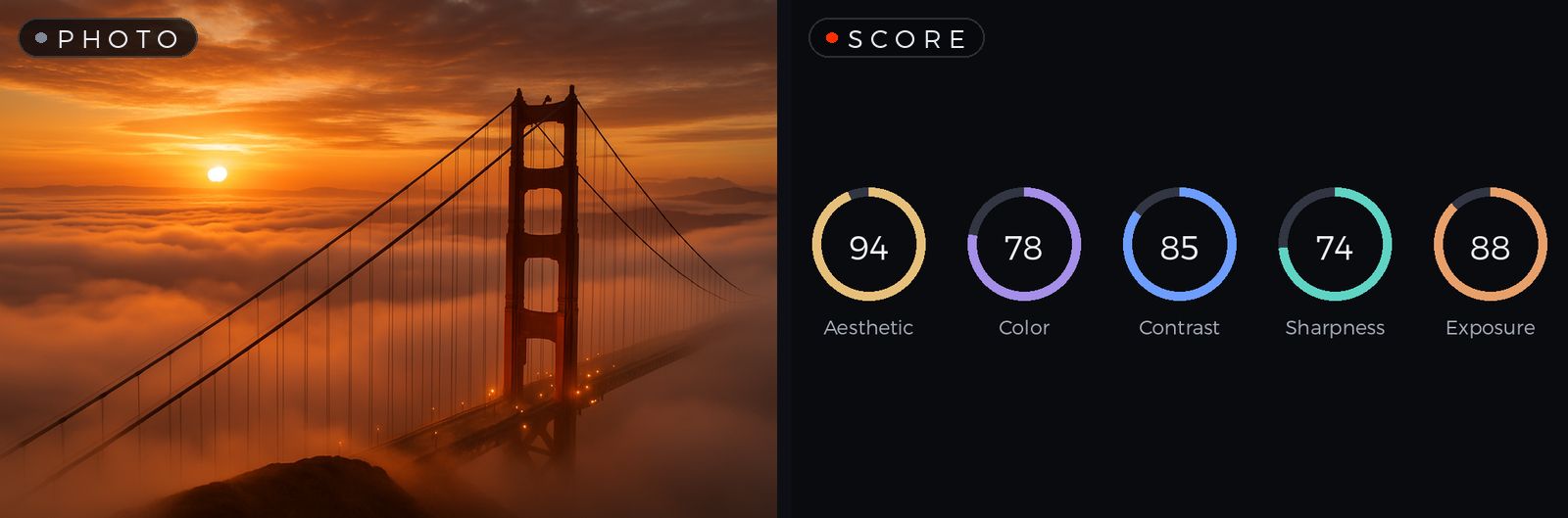
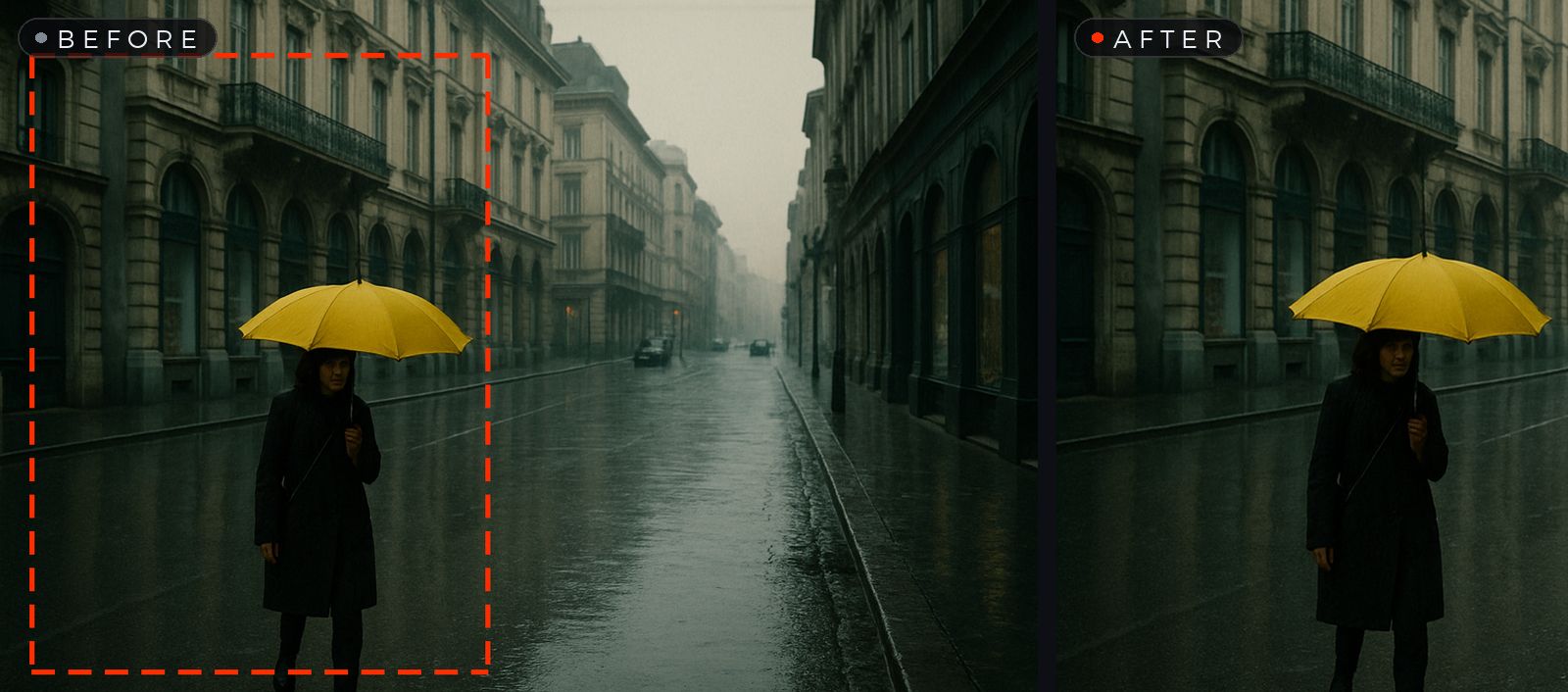
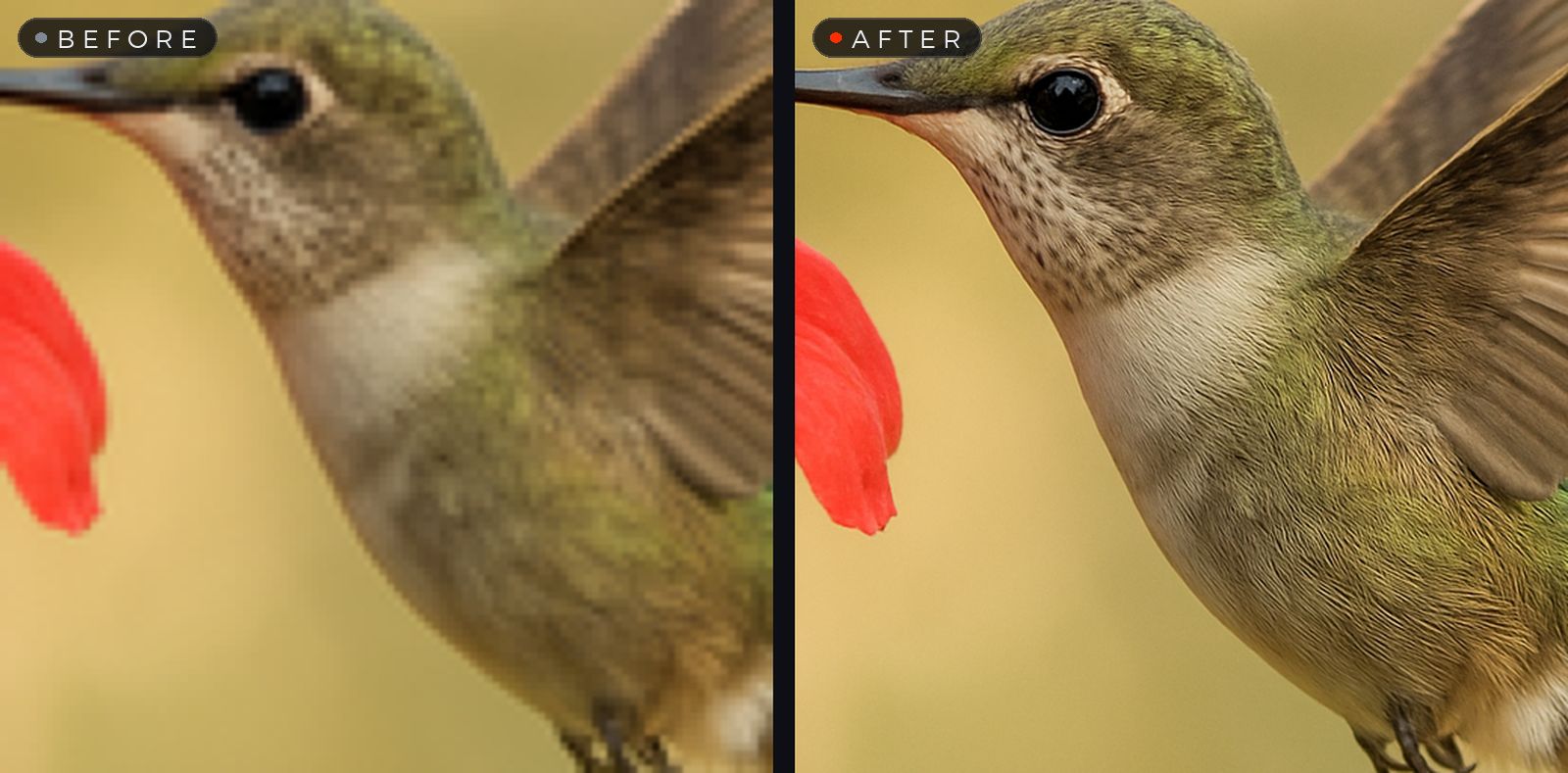
Yes. Every on-device tool — Auto Enhance, Crop, Split, Score, Saliency, Select & Copy and 2× upscaling — is free forever, with no account and no watermarks. On top of that, everyone gets 5 free magic edits every month.
What are magic edits and credits?
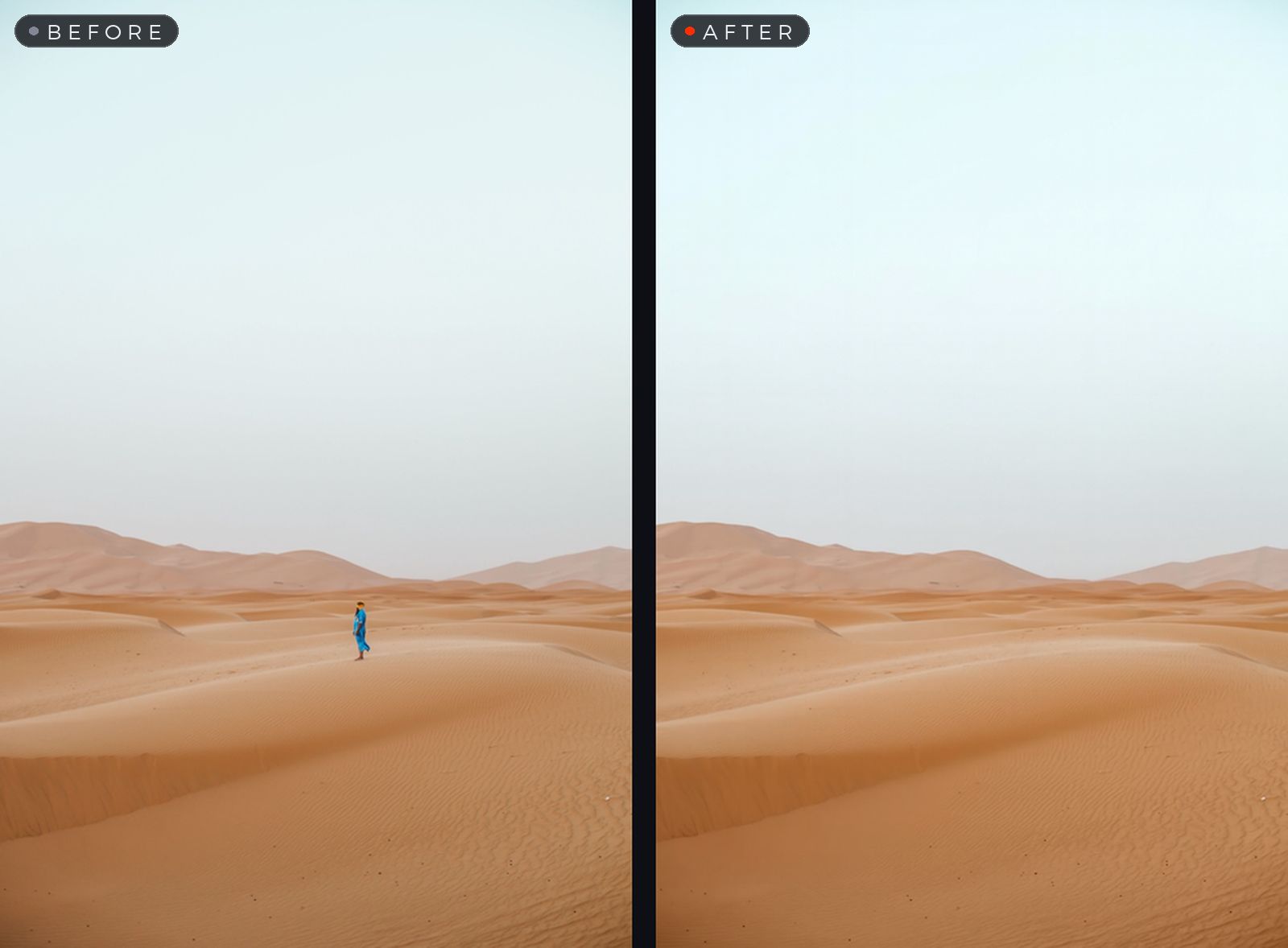
Magic edits are the transformations that go beyond your Mac's built-in processing: Remove, Correct Colors, Make It Stunning and Custom Enhance. Each one uses a credit — and a credit is only spent when the edit succeeds. You get 5 free each month, packs start at $4.99 for 25, and CHITRA Pro includes 25 fresh credits monthly.
Do my images get uploaded anywhere?
All core tools run entirely on your Mac and work offline. Only when you use a magic edit is your image transmitted securely through our relay for processing, then returned — never stored, never used for training. The details are in our privacy policy.
What formats are supported?
Open virtually any image format, including JPEG, PNG, HEIC, TIFF and WebP. Export to PNG, JPEG, HEIC or TIFF — or AirDrop, share, and copy straight to the clipboard.
How do I cancel Pro?
Anytime, in your Apple ID subscription settings. You keep the credits you've already received, and your app and images are never locked.
Why "CHITRA"?
Chitra (चित्र) is the Sanskrit word for a picture or painting — the oldest word for the newest way to perfect your images.